Windows
Your deviceWindows 10 and 11, 64-bit. One click to the fastest server, with auto-connect and a kill switch.
Version
Free VPN · Windows, Android, Fire TV
Protect your browsing on public networks with a fast, privacy-first VPN. Completely free with unlimited bandwidth. No signup required.
Version · Windows 10 and 11 (64-bit)Free on Google Play · Android phones and tabletsWindows · Android · Amazon Fire TV

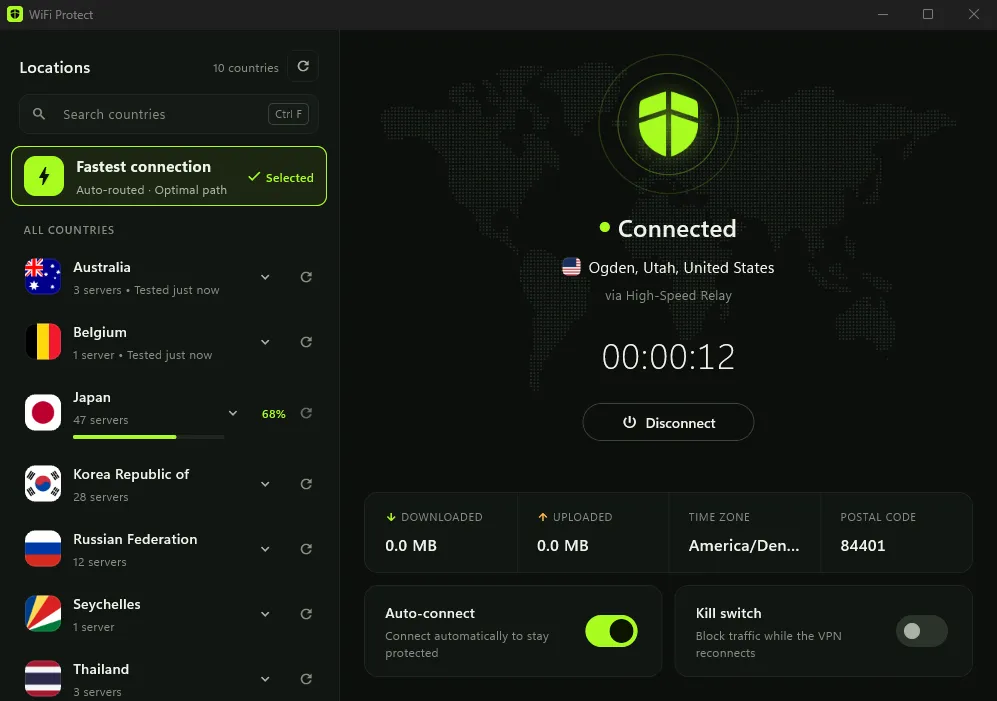
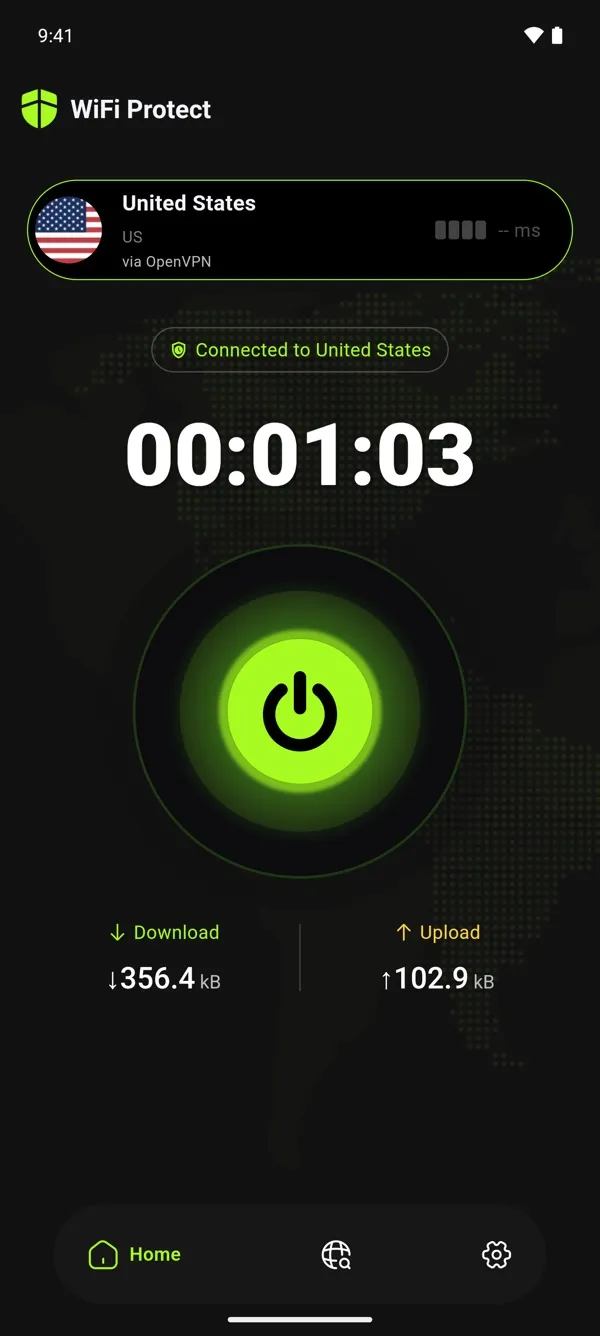
The same free protection on Windows, Android and Fire TV.
Windows 10 and 11, 64-bit. One click to the fastest server, with auto-connect and a kill switch.
Version
Phones, tablets and Android TV, from Google Play. Updates arrive through the store.
4.6 ★ · 100K+ downloads
For Amazon Fire TV. Installation instructions are being updated.
Get it free for Windows, on Google Play or for Amazon Fire TV. Install in seconds.
One tap is all it takes. No account creation needed.
Your connection is encrypted and your privacy is protected.
Everything you need to browse safely on any network, with zero complexity. No hidden fees, no limitations, no premium tiers.
Get protected in seconds. No complicated setup, just tap and you're secure.
Connects as soon as the app starts, so you're protected from the start.
We don't log your browsing activity. Your privacy is our priority.
Bank-level security keeps your data safe from hackers and snoopers.
Browse, stream, and download without limits. Truly unlimited, truly free.
Start protecting your privacy immediately. No email, no payment, no personal info needed.
Windows 10 (version 22H2) and Windows 11 on 64-bit PCs, and Android 7.0 or newer on phones, tablets and Android TV, from Google Play. Amazon Fire TV is supported too; its installation instructions are being updated. There is no version for iPhone, iPad or Mac.
No. There's no sign-up: no email address, password or payment details. Install the app and connect.
Yes! WiFi Protect is 100% free, forever. There are no hidden fees, no premium tiers, no in-app purchases, and no time limits. We believe privacy should be accessible to everyone, so our full VPN service with unlimited bandwidth is completely free.
What Windows 11 already protects, what a VPN adds on top, what it doesn’t do, and how to choose one if you want it.
What someone on a café, hotel or airport network can and can’t see today, the risks that are left, and how to avoid them.

100% Free · No Limitations · Forever
Join thousands of users browsing safely with WiFi Protect. Completely free, unlimited bandwidth, no hidden costs.
Download for WindowsGet it on Google PlayChoose your deviceVersion · Windows 10 and 11 (64-bit)Free on Google Play · Android phones and tabletsWindows · Android · Amazon Fire TV