Free VPN for Android
Protect your browsing on public networks with a fast, privacy-first VPN. Completely free with unlimited bandwidth. No signup required.
Free on Google Play · Android 7.0 or newer
What you get on Android
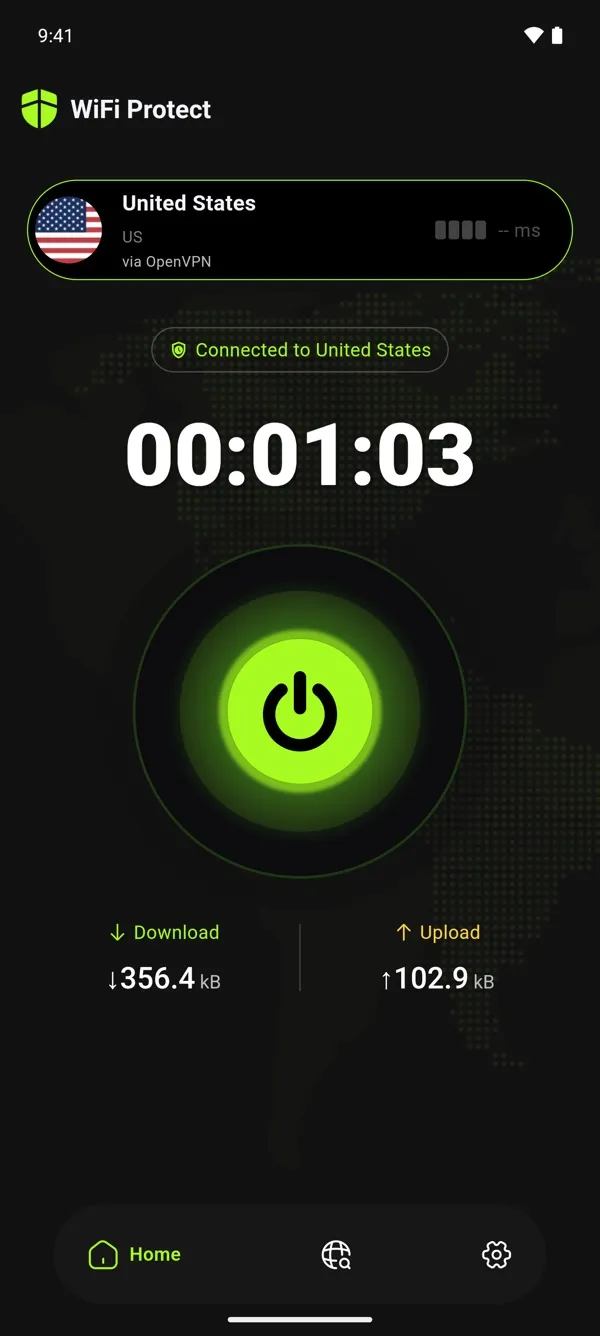
One-tap connect
Get protected in seconds. No complicated setup, just tap and you're secure.
Auto-connect
Connects as soon as the app starts, so you're protected from the start.
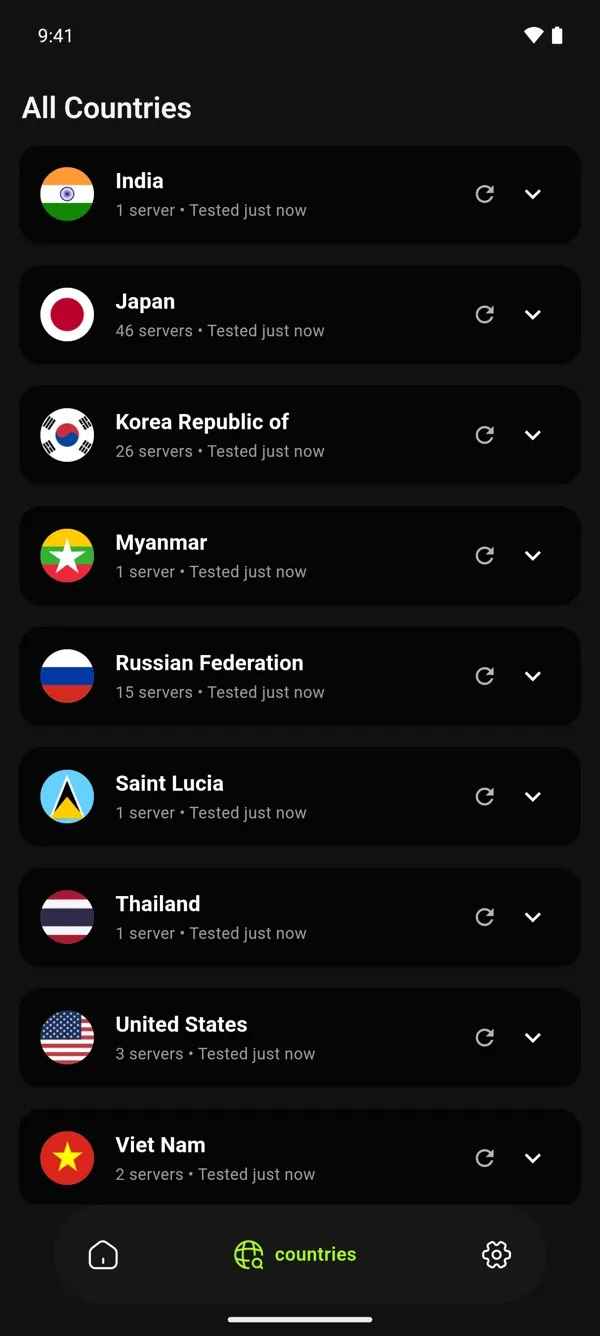
Choose a country
Or let the app pick the fastest server for you.
Private by design
We don't log your browsing activity. Your privacy is our priority.
Unlimited bandwidth
Browse, stream, and download without limits. Truly unlimited, truly free.
No registration required
Start protecting your privacy immediately. No email, no payment, no personal info needed.
Get started
- Install WiFi Protect from Google Play.
- Open it and tap Connect.
- Tap OK when Android asks to allow the VPN connection.
Requirements
- Android
- 7.0 or newer
- Devices
- Phones, tablets, Android TV
- Store
- Google Play
- Updates
- Through Google Play
- Price
- Free
Android questions
Also on Windows and Fire TVIs WiFi Protect for Android free?
Yes. WiFi Protect is 100% free, forever. There are no hidden fees, no premium tiers, no in-app purchases, and no time limits.
Which Android version do I need?
Android 7.0 or newer, on a phone, tablet or Android TV. Install WiFi Protect from Google Play, which also keeps it up to date.
Why does Android ask me to allow a VPN connection?
Android asks before any app can set up a VPN connection. Tap OK to let WiFi Protect connect.
Does it work on Amazon Fire TV?
Yes, with a version made for Fire TV. Its installation instructions are being updated; until then, our support team can help.