Do you need a VPN on Android?
By the WiFi Protect team · Published · Updated
Short answer
Yes, if you use public Wi-Fi or want privacy from your internet provider. Android protects your phone well, with Google Play Protect, encrypted lookups where the network supports them and a random Wi-Fi address, but the networks you join can still see which sites you visit, and most Android phones don’t come with a VPN. A VPN adds that privacy on every network, for every app.
Free on Google Play · Android 7.0 or newer
What does Android already protect?
Android is good at protecting the phone itself, and several protections are on from the start. What it doesn’t cover on its own is your privacy on the networks you connect to:
| Protection | Status | What it does |
|---|---|---|
| Google Play Protect | On by default | Checks apps for harmful behavior when you install them, and scans your phone regularly.[1] |
| Private DNS | Only where supported | Encrypts the lookups for site names, but only if the network’s DNS server supports it.[2] |
| Random Wi-Fi address | On by default | Uses a random hardware address for each Wi-Fi network, so networks can’t follow your phone by it. Android 10 and later.[3] |
| Always-on VPN | You set it up | Keeps a VPN running from start-up and can block connections that don’t use it. You need a VPN first.[4] |
| Privacy on the networks you join | Not included | The Wi-Fi you’re on and your provider can still see which sites you visit. Android connects to VPNs, but most phones don’t come with one.[5][6] |
Google is open about the limits. Its help page on Private DNS says: "Private DNS helps secure only DNS questions and answers. It can't protect anything else."[7]And when it announced Android 17’s network protections, Google wrote that "even if the connection is encrypted by HTTPS, the domain names of the sites you visit are still visible to network operators and eavesdroppers."[5]Android 17 starts to hide them, but only for supported websites and apps.
What does a VPN add on Android?
Privacy on every network, for every app. A VPN encrypts everything between your phone and the VPN service, including the lookups for site names. The café’s Wi-Fi, a fake hotspot made to look like the real one, or your provider then only see that you’re connected to a VPN, not which sites you visit.
Google describes the VPN it builds into its own Pixel phones this way: "The VPN hides your data and Internet activity from hackers on public Wi-Fi or unfamiliar internet providers."[8]And the Government of Canada’s cyber security campaign advises: "If you have to connect to public Wi-Fi, always use a VPN to keep your information safe!"[9]
Isn’t mobile data enough?
Mobile data is the safer of the two. Germany’s Federal Office for Information Security says: "Using public WLANs is significantly more risky than surfing using your mobile data."[10]But your mobile provider still sees which sites you visit, data allowances run out, and your phone joins saved Wi-Fi networks by itself whenever they’re in range. A VPN that connects as soon as it starts keeps you covered on whichever connection your phone picks. More on the difference in Is public Wi-Fi safe?
What about Google’s own VPN?
Only some phones have one. Google’s VPN for everyone else ended in 2024: "Starting June 20, 2024, VPN by Google One will be discontinued."[11]Pixel 7 and later phones and the Pixel Tablet include VPN by Google "at no extra cost in countries where VPN is available", with a Google Account. Google notes that "Not all network data from your device is protected by the VPN", naming hotspot tethering, Wi-Fi calling and work-profile apps among the exceptions, and that you can’t use it to change your location to another country.[8]Google Fi customers get it too, but "Google Fi is only available in the U.S."[12]
On other Android phones, you need a VPN app.
How do you choose a VPN app you can trust?
Carefully, because a VPN app sees what the network no longer can. Germany’s Federal Office for Information Security puts it simply: "Generally, selecting a VPN provider comes down to trust."[10]
Being on Google Play is a good start, but not proof. A 2026 study of 281 popular VPN apps from Google Play found that 61 sent some data without encryption and 29 leaked traffic, including the lookups for site names, outside the VPN.[13]
These are the signs of one you can trust, and how WiFi Protect meets them:
| Sign of a VPN app you can trust | WiFi Protect |
|---|---|
| It comes from Google Play, so Play Protect checks it and updates arrive through the store. | WiFi Protect is on Google Play and updates through it. |
| It says plainly what it does with your browsing. | Our policy: we don’t track, collect or store your browsing activity. |
| It doesn’t ask for more than it needs. | No account, no email, no payment details. |
Should you turn on Always-on VPN?
If your VPN app supports it, yes. Android "can start a VPN service when the device boots and keep it running while the device is on", and "Always-on VPN can also block connections that don’t use the VPN."[4]With blocking on, nothing leaves your phone outside the VPN, so you have no internet until it connects; Android warns you about that when you switch it on.
You’ll find both in Settings, under Network & internet, VPN: tap the gear next to your VPN.[6]On some phones the menus are named differently; search Settings for "VPN".
What a VPN doesn’t replace
A VPN protects your connection, not the phone itself: keep Google Play Protect on against harmful apps, and install apps only from Google Play. It also doesn’t hide who you are from the sites and accounts you sign in to.
An Android checklist
- Keep Android and your apps updated.
- Leave Google Play Protect on, and install apps only from Google Play.
- Leave Private DNS on Automatic, and the random Wi-Fi address on for every network.
- Turn off automatic connection to public hotspots you don’t need.
- Install a VPN you trust and let it connect when the app starts, or turn on Always-on VPN if your app supports it.
Where WiFi Protect fits
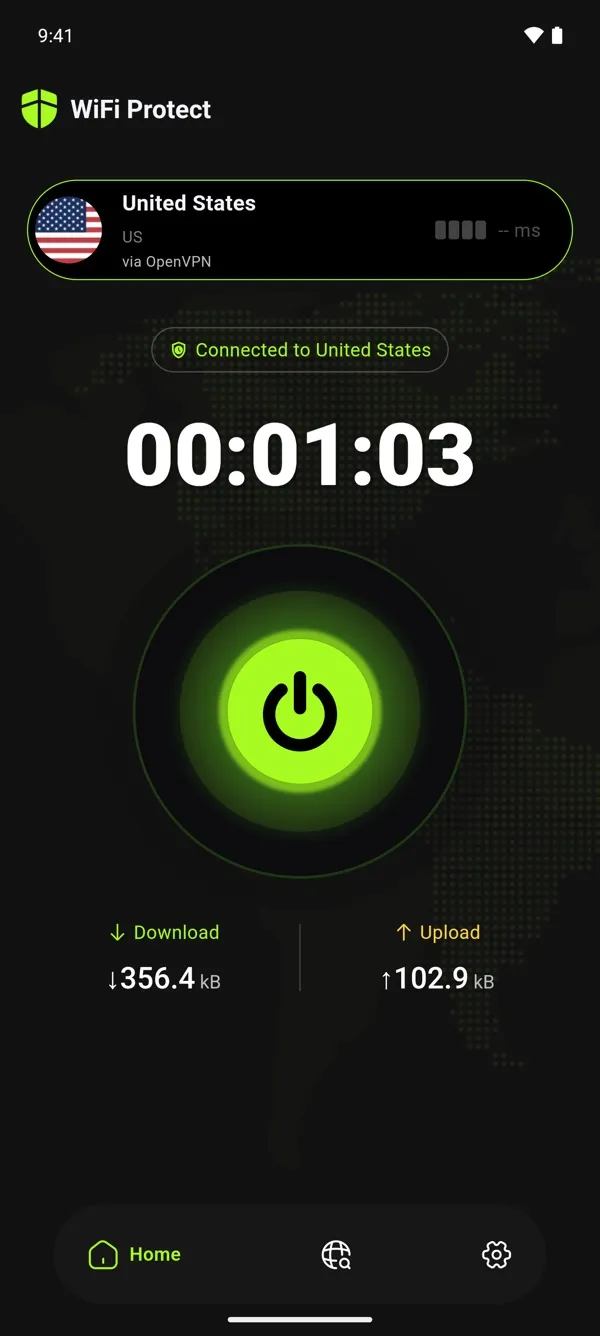
WiFi Protect is our free VPN for Android 7.0 or newer, on phones, tablets and Android TV, from Google Play. One tap connects you, or you can choose a country, and it connects as soon as the app starts. No account, no data cap, and we don't log your browsing activity.
Sources
- 1Google Play Help, "Use Google Play Protect to help keep your apps safe & your data private"
- 2Android Developers Blog, "DNS over TLS support in Android P Developer Preview", 13 April 2018
- 3Android Developers, "Privacy changes in Android 10"
- 4Android Developers, "VPN" (connectivity guide)
- 5Google, "4 new ways Android is protecting your network connections", 27 August 2026
- 6Android Help, "Connect to a virtual private network (VPN) on Android"
- 7Android Help, "Manage advanced network settings on your Android phone"
- 8Pixel Phone Help, "Connect to VPN by Google on your Pixel device"
- 9Get Cyber Safe (Government of Canada), "Bank on cyber security"
- 10BSI (German Federal Office for Information Security), "Virtual private Networks (VPNs)"
- 11Google One Help, "What’s happening to VPN by Google One & dark web report?" (archived 11 July 2024)
- 12Google Fi Wireless Help, "My account isn’t eligible for Google Fi"
- 13NDSS Symposium 2026, "MVPNalyzer: An Investigative Framework for Auditing the Security & Privacy of Mobile VPNs"